Deploying AI Agents for Smart Email Workflow Automation That Reduces Response Lag
Summary:
With digital expansion, today, waiting hours (or even days) for an email reply or update is no longer acceptable.
The moment a customer sends a request, a prospect clicks “reply,” or a support ticket triggers an alert, workflow delays and manual bottlenecks kill opportunities.
That’s where intelligent automation in your email workflow automation strategy becomes a game-changer.
Imagine a system where an email arrives, an AI agent understands the intent, triggers the right sequence, routes the task, and even drafts a reply, all within minutes.
The result: far less lag, much higher responsiveness, and a leaner, smarter communication channel.
Let’s explore how AI agents in workflow automation are rewriting the playbook for customer engagement, marketing, sales, and support.
Key Takeaways
- Smart automation saves time by triggering the right email sequences and reducing manual hand-offs.
- AI agents boost responsiveness by triaging inboxes, auto-drafting replies, and routing tasks.
- Integrating behavior-based triggers, segmentation, and personalization transforms one-size-fits-all into dynamic workflows.
- Monitoring deliverability, open-click-conversion metrics ensure you’re optimizing not just automation but performance.
- Choosing the right tools and following best practices keeps your system robust, compliant, and scalable.
What is Email Workflow Automation?
The term email workflow automation refers to the use of software and logic to automatically send, sequence, route, and respond to email-based messages in a workflow-driven architecture.
This encompasses several related phrases: “automated email workflows”, “email marketing workflow automation”.
But, instead of manually sending individual emails or waiting for replies, a system reacts to triggers, and delivers personalized email sequences, branches logic based on behavior, and integrates with back-end systems to update status, assign tasks, and track outcomes.
Why Response Lag in Email Workflows Is a Critical Problem?
Response lag happens when emails sit in inboxes un-acted-upon, when manual review is required, when routing is delayed, or when replies are generic and slow.
The consequences:
- Prospects get frustrated, lose interest, or turn to a competitor.
- Customer support costs escalate due to manual handling and re-engagement loops.
- Marketing campaigns lose momentum when follow-ups aren’t timely.
- Internal workflows break down when the sequence is paused, waiting for manual action.
Key Note: Automation drives results only when timely and well-designed, delays or missed triggers kill momentum, engagement, and revenue.
How AI Agents Transform Email Workflow Automation?
Concept of Intelligent Agents
An AI agent, in this context, is a software component driven by machine learning, natural language processing (NLP), and automation logic that acts autonomously within the email workflow.
Rather than simply generating content or sending scheduled messages, the agent observes context, makes decisions, triggers next steps, and interacts dynamically.
As one recent article notes:
Key capabilities of AI agents in email workflows include:
- Inbox triage & prioritization: Identify high-priority messages, archive or route low-priority ones, flag urgent items.
- Intent classification and routing: Understand what the email is about, and route to the correct workflow.
- Trigger generation: Based on content/intent, automatically start a workflow.
- Auto-drafting and suggested replies: Generate personalized email replies or sequences, ready for review or automatic send.
- Behavior monitoring: Track which recipients open, click, respond, or bounce, then branch the workflow accordingly.
- Learning and optimization: Use data over time to refine triggers, send times, segmentation, and content for better performance.
How do They Integrate Into Email Workflow Automation?
When you merge AI agents with email workflow automation, you get a higher order of automation, one that reduces human latency and improves responsiveness.
Here’s how a typical integration might work:
- Email arrives in the inbox or enters via API/CRM.
- AI agent analyses subject, content, sender, history, and intent.
- The agent determines the workflow trigger (e.g., new lead, support escalation, upsell opportunity).
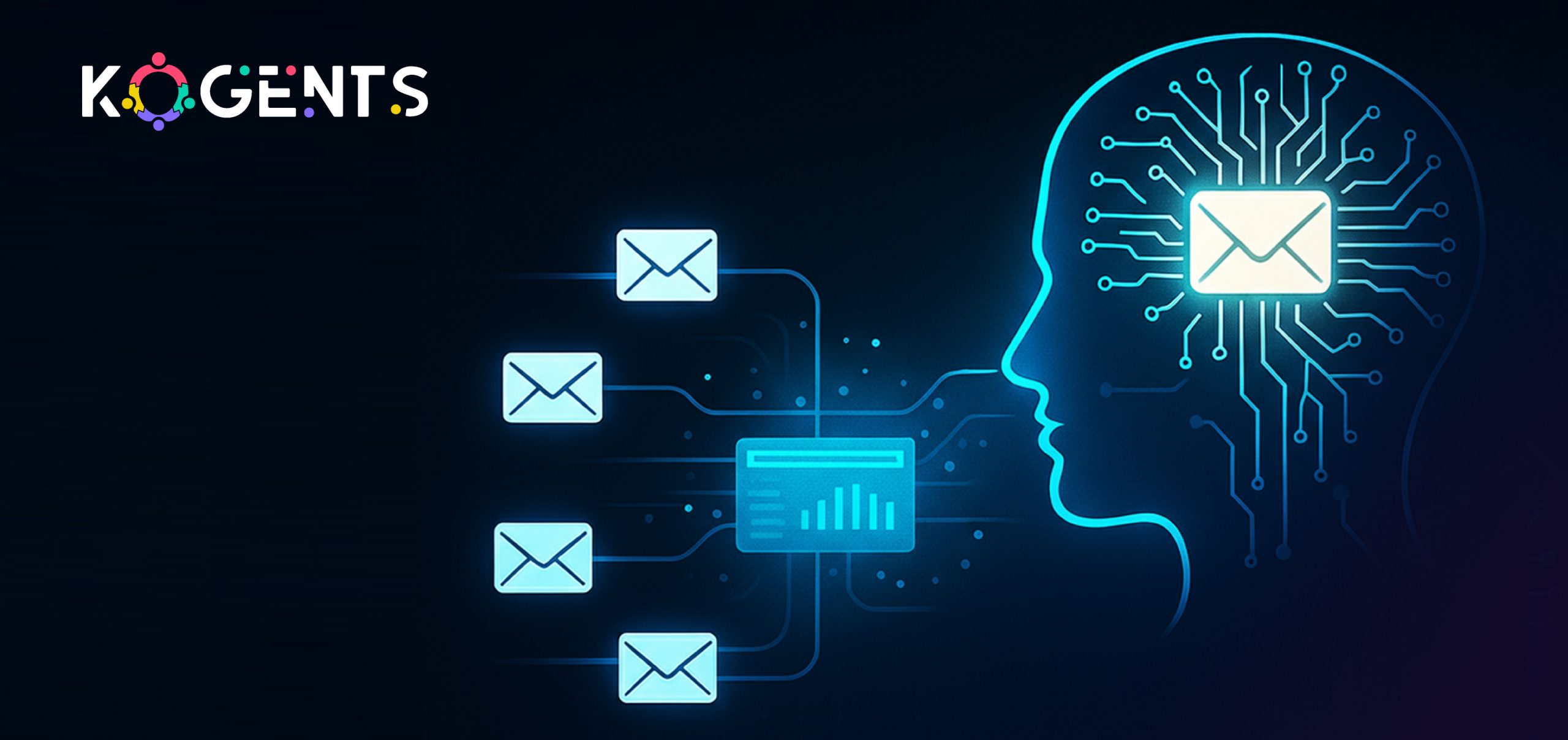
- Workflow engine (your tool or builder) launches an automated email workflow (sequence) — e.g., welcome → nurture → conversion.
- Based on user behavior (opens, clicks, replies), the workflow branches: segmentation logic applies, and further triggers fire.
- Agent monitors results, drafts follow-ups, assigns tasks, and escalates if needed, reducing response lag dramatically.
- Metrics feed back to optimize send times, content, and branching logic.

Anatomy of a Smart Automated Email Workflow
Let’s break down the components and how to build a robust system for reducing lag.
Workflow builder for email
- Use a visual tool or drag-and-drop workflow builder to map out sequences: if clicked, send an up-sell email; if no click after X days, send a reminder.
- Incorporate branching logic: If /opened > clicked > converted; else if not opened after Y days, send alternate subject line.
- Define triggers: onboarding signup, purchase complete, cart abandonment, and support request.
- Integrate behavior-based triggers and segmentation: trigger when the user completes a certain action, or segment based on user demographic/behavior, and apply variant workflows.
Segmentation & personalization
- Segment your audience based on relevant attributes: purchase history, behavior, geography, and engagement level.
- Use behavior-based email triggers and personalized content (dynamic blocks) to make emails feel 1:1 rather than 1:many.
- Lifecycle email workflows: e.g., new customer onboarding, nurture workflow, re-engagement, upsell, win-back.
CRM integration, routing & AI agent involvement
- Connect to your CRM: so triggers are fired and responses logged.
- AI agent monitors inbox or CRM action: e.g., incoming support email triggers workflow route to specialist; high-value lead email triggers sales rep.
- Auto-draft replies or auto-reply templates: agent writes first draft, human reviews, or sends automatically with oversight.
Deliverability & optimization
-
- Ensure deliverability best practices: authenticate your domain (SPF/DKIM/DMARC), have a preference centre, and keep a clean list.
- Optimize send times and content: Example: an RNN-based model predicted “time-to-open” to send at the optimal time.
- Monitor key performance metrics: open rate, click-through rate, conversion rate, revenue per recipient (RPR).
Table: Benchmark Metrics vs Smart Workflow Performance
Case Studies
Case Study 1: AI Agent-Driven Inbox Triage & Automation
For example:
- The AI agent filters incoming messages, flags high-priority leads, writes draft replies, and updates CRM records automatically.
- By reducing manual inbox review time and routing tasks instantly, response lag falls dramatically.
- In one use case: inbox triage + auto-reply enabled teams to focus only on high-value tasks, reducing average handling time.
- While this isn’t a full quantified business result, the operational efficiency improvement is clear.
Case Study 2: Enterprise Dispatch Email Processing Workflow Automation
In a broader workflow-automation example, an enterprise cut email processing time by 85 % by using AI-powered workflow automation.
Key aspects:
- A dispatch service company built an AI-powered solution that monitored multiple inboxes, routed tasks, and triggered workflows across 11 systems.
- The human-in-the-loop model retained oversight while the AI agent handled routing and task automation.
Result: Significant processing time reduction (85%) and foundation built for modernising further workflows.
Note: While not strictly an “email drip campaign” case, the same principles apply to email workflow automation and reducing lag.
Final Words!
In a world where speed matters and attention spans are shrinking, artificial intelligence-driven email workflow automation sets businesses apart.
By embedding AI agents into your email automation engine, you create a system that not only sends emails, it responds, routes, prioritizes, and learns.
You know that Kogents.ai specializes in architecting and deploying AI-powered email workflow automation systems that reduce latency, optimize your sequences, and integrate seamlessly with your CRM and inbox.
Whether you’re a marketing team, sales organization, or support unit, our edge is in marrying advanced automation logic with intelligent agents that act. Faster responses. Fewer manual hand-offs. Better outcomes.
So, connect with us!
FAQs
What is email workflow automation?
Email workflow automation refers to the use of software and logic to automatically send, sequence, route, and respond to email messages based on triggers, behavior, segmentation, and branching logic. It replaces repetitive manual sends with an orchestrated process.
How does an email automation workflow work?
An email automation workflow works by defining a trigger (user action, time event, behavior), then sending an email or sequence of emails, tracking user actions (open, click, reply), branching logic depending on those actions (e.g., if clicked send X, else send Y), integrating with CRM or database to update status, and monitoring metrics. Often, automation tools show a visual workflow builder (“workflow engine for email”) where you drag nodes for triggers, delays, actions, and branching.
What are best practices for automated email workflows?
Key best practices include: mapping workflows clearly, using segmentation and personalization, applying behavior-based triggers, ensuring deliverability hygiene (authentication, list cleaning, preference centres), optimizing send times, A/B testing subject lines and content, monitoring performance metrics, branching logic for unresponsive segments, integrating AI agents for triage/routing/drafting, and complying with regulations like CAN-SPAM/GDPR.
What types of email workflows and when to use them?
Common types of workflows:
- Welcome/onboarding workflow: when a user signs up.
- Abandoned cart workflow: in e-commerce, when a visitor leaves items in the cart.
- Browse abandonment workflow: visitor browses but doesn’t purchase.
- Post-purchase nurture workflow: after purchase to increase loyalty.
- Re-engagement/win-back workflow: when subscribers become inactive.
- Onboarding & lifecycle email workflow: guiding users through product adoption.
- Behavior-based trigger workflow: send emails when specific actions occur.
How does the HubSpot email workflow automation feature compare?
Within HubSpot, you’ll find an email workflow builder that lets you trigger emails based on CRM events, contact behavior, lifecycle stage, etc. You can sequence emails, branch logic, integrate with the CRM sales/support modules, and monitor analytics. It supports email automation workflow, segmentation, and integrates into wider marketing automation. For AI-agent features, you may need add-ons or third-party integrations.
What is the ROI of email workflow automation?
The ROI can be significant. Some case studies show revenue jumps of 15% or more purely via automation. Reducing response lag improves customer satisfaction, increases conversion rates, and shortens time to value. When designing an automation system with AI agents for timely responses, the ROI includes staff time saved, faster responses, better engagement, and higher revenue.

Kogents AI builds intelligent agents for healthcare, education, and enterprises, delivering secure, scalable solutions that streamline workflows and boost efficiency.